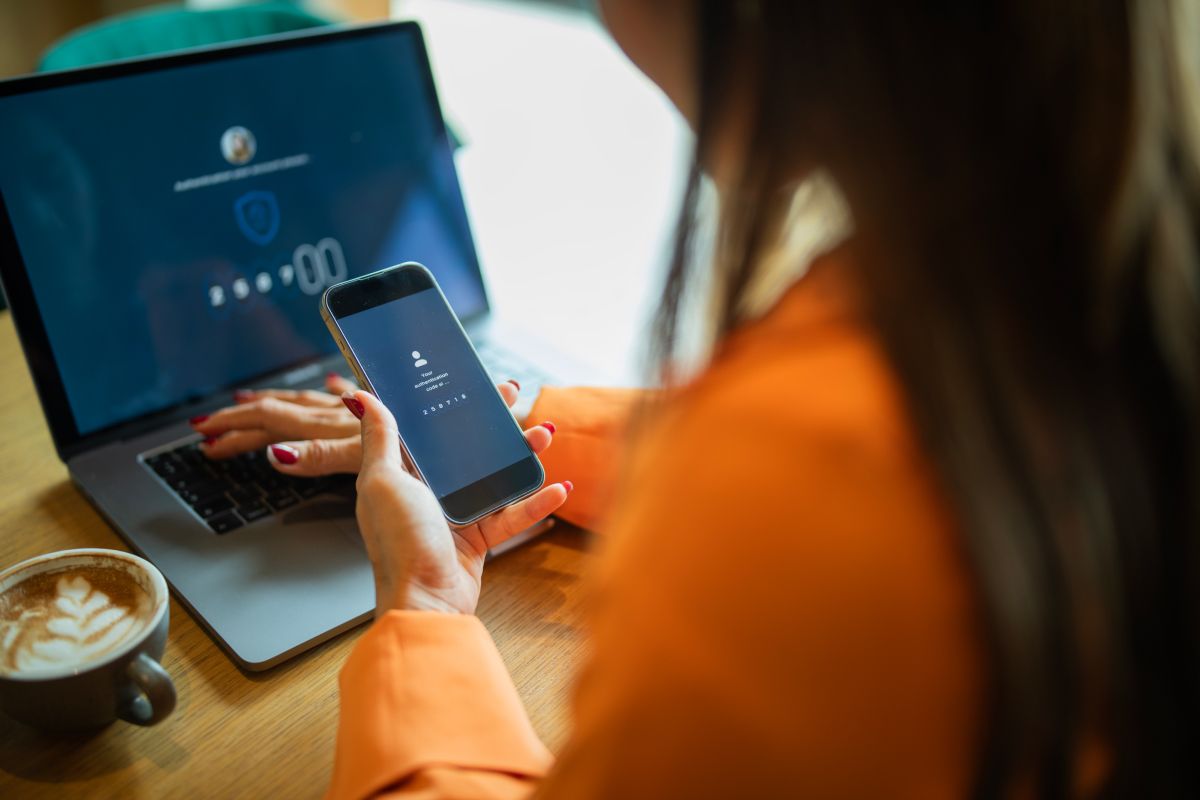
The multiplication of accounts and data breaches raise serious issues. Here are a few tips to help you choose a password manager adapted to your digital needs.
Nowadays, having too many accounts and too many passwords to keep track of is a universal problem. As a result, people have adopted a poor habit: using the same password every time to make it easier to remember. Using a password manager is a far better option.
The idea is to enter all your identifiers into a highly secure database (think a digital safe). There are two password manager categories: local and cloud based.
Local managers
Local password managers like KeePassXC and PasswordSafe offer you complete control over your data. They are free, open source, and don’t require an Internet connection. A modern, multiplatform version of KeePass, KeePassXC is recommended for its compatibility with Windows, macOS, and Linux. These tools are ideal for advanced users who want to store their passwords locally, without having to rely on the cloud.
Reliability and security of the source code
KeePassXC, like KeePass, from which it is derived, is an open-source software. Its source code is accessible publicly, and security experts can audit it. In fact, the KeePass manager for Windows was audited by the European Commission EU-FOSSA project in 2016, and no critical vulnerabilities were detected. This helps guarantee that the source code is exempt of any major faults or backdoors.
There are several KeePass clones and derivatives on Windows, Linus, iOS, and Android platforms. Using only official versions, such as KeePassXC, is crucial, as they are actively monitored and regularly updated. This provides better security and greater compatibility.
Cloud-based managers
Cloud-based password managers keep your password database on the cloud. These managers constitute an interesting compromise between user-friendliness and security. When properly implemented, they are considered safe and offer many benefits:
- Compatibility with all modern browsers
- Synchronization of your passwords on all your devices, accessible at all times
- Possibility of sharing certain passwords with other users (spouse, children, colleagues, etc.)
- Monitoring of accesses to your account, defining of trusted devices and, occasionally, an emergency contact should an unexpected situation arise
- Advanced features, such as detection of compromised passwords or dark-web monitoring in the case of certain managers
Of all the recommended options, some should, however, be avoided.
To avoid: LastPass
Although LastPass has long been a key player in the password manager sector, several security incidents that occurred in 2022 have compromised the trust of users and experts alike. Despite efforts to reinforce the security of LastPass, some breaches have had significant repercussions, such as hacking of encrypted data and digital assets. For this reason, we recommend choosing more robust and transparent solutions, like Bitwarden, 1Password, Dashlane, or NordPass.
Can the provider access my passwords?
The provider cannot read your database, as it is encrypted and unreadable without your master password–whether stored locally or in the cloud. All encryption and decryption operations are carried out locally on your device, and your master password is in no way transmitted to the provider. If the technology is properly implemented according to the best industry-standard encryption and security practices, it is impossible for the provider—and a potential hacker—to decrypt your passwords without your master password. That’s why it’s crucial that you choose a reputable, transparent, and independently audited manager.
Essential tips
Here are a few habits to adopt to maximize the security of your passwords:
- Use a long (15-character-or-more), unique master password : A robust master password is the cornerstone of your security.
-
- A passphrase: a memorable sequence of at least four words (with or without spaces).
- A complex password: composed of uppercase and lowercase letters, numbers, and special characters.
- Enable two-factor authentication (2FA) : This provides added security, even if your password is compromised.
- Never reuse your passwords : If a password is compromised on one site, all other accounts using the same password are at risk.
- Keep an eye out for data leaks and change any password that has been compromised : Certain managers automatically alert you if one of your passwords appears in a data leak.
- Use a reputable, transparent manager : Check the provider’s security audits, confidentiality policy, and reputation.
- Keep your master password in a safe place : If you lose it, you could lose access to all your passwords.
- Avoid saving your passwords in your browser : The security offered by specialized managers is far more superior than that of browsers.
Comparison charts
Here is a comparison chart of the main solutions, to help you choose the one that best suits your needs. Note that some free password managers may limit the number of passwords you can store.
We divided the managers into two categories: local solutions, for complete control of your data, and cloud-based solutions, for simplified synching.
Comparison of local password managers
|
Manager |
Cost |
Platforms |
Encryption |
Secure sharing |
User friendliness |
|
$0 |
Windows, macOS, Linux |
AES-256 |
Via third parties |
Average to good | |
|
$0 |
Windows |
Blowfish/Twofish |
Not integrated |
Basic |
Comparison of cloud-based password managers
| Manager |
Cost |
Platforms |
Encryption |
Secure sharing |
User friendliness |
| Bitwarden |
Free to $56/year |
Windows, macOS, Linux, Android, iOS |
AES-256 |
Yes |
Good |
| 1Password |
$3.75 – $5.99/month |
All platforms |
AES-256 |
Yes |
Excellent |
| Dashlane |
$0 – $10/month |
All platforms |
AES-256 |
Yes |
Very good |
| NordPass |
$0 – $4.59/month |
All platforms |
XChaCha20 |
Yes |
Good |
| Proton Pass |
$0 – $12.49/month |
All platforms |
XChaCha20 |
Yes |
Good |
Mis à jour 28-10-2025
Version 1.0
MarianneF
Analyste en sécurité de l'information
Inscrit le 31 octobre 2024
Blog
News, scoops and tips to enrich your connected life.