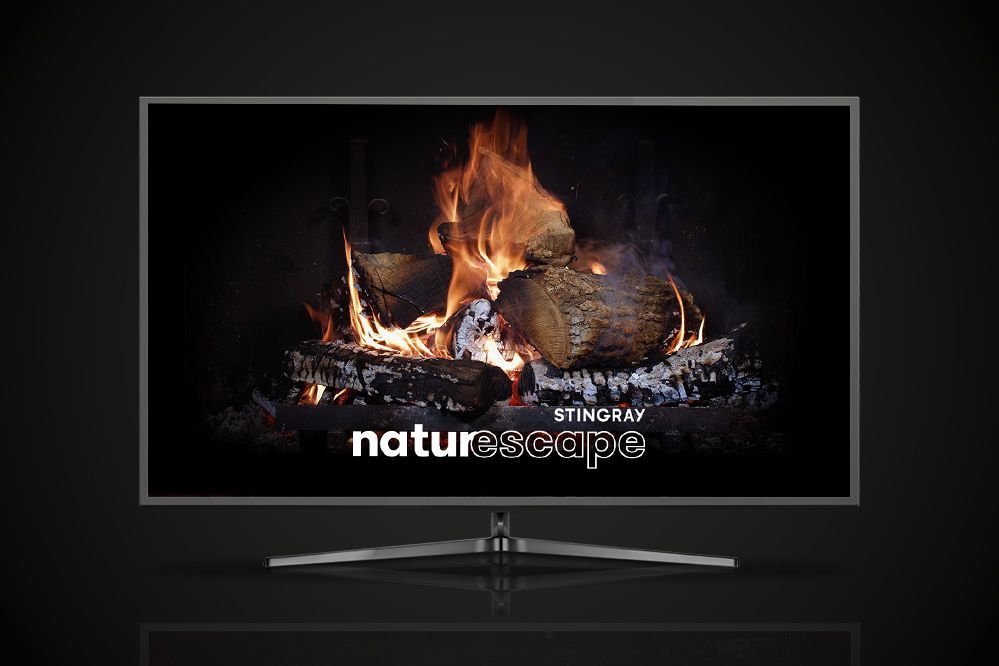
At long, long last—Stingray Naturescape’s beloved fireplace is back! The soothing crackle of this heartwarming fire is sure to bring some coziness to your holiday season.
Enjoy the Stingray Naturescape fireplace from November 1, 2025, to December 31, 2025.
- From November 1 to 30, 2025, the fireplace is alight from 7 p.m. to midnight.
- From December 1 to 14, 2025, the fireplace is alight from 6 p.m. to midnight.
- From December 15 to 31, 2025, it’s on 24/7, adding some cozy vibes to your holiday festivities.
How do I get the fireplace?
Helix TV subscribers, just say “Fireplace” using your voice remote or go to channel 502 (HD) or 503 (4K). You can get your beloved fireplace outside the hours mentioned above through On Demand content.
illico TV subscribers, go to channel 553 or 915 (4K).
Want to get the fireplace on a screen other than your Helix TV terminal–connected TV? Learn how to use the Helix TV app on the screen of your choice.
Music for the holidays
We’re not done yet! Enjoy festive musical accompaniment with Stingray Music’s holiday channels. Find the best music of the season, including your favourite classics.
With Helix, use the voice commands “Stingray Franco Fêtes” or “Stingray Holiday favourites” to access these dedicated music channels in the Stingray app and enjoy your favorite classics. This content is also available on the Helix TV app and the Stingray Music app.
illico TV subscribers, go to channel 546 or 552.
An ambiance for every season
Access the Stingray Naturescape channel on demand whenever you want and pick an ambiance that fits your mood—idyllic beaches, rushing rivers, mountainscapes, seagoing creatures, soaring above the city . . . There’s even a limited-time crackling fireplace. To choose your ambiance, follow these steps with Helix:
- In the Helix menu, select the On demand category.
- Select the Channels tab, then the All Channels box.
- Scroll down until you reach the letter S, then press the right arrow on the remote to reach the Stingray Naturescape channel.
- Select the content you would like to watch.
With illico TV, look for Stingray Naturecscape in channel 900’s Channels on Demand category.
Enjoy!
Read also:
Mis à jour 19-11-2025
Version 2.0
SamuelPB
Community Manager
Inscrit le 23 juin 2022
Blog
News, scoops and tips to enrich your connected life.